> ## Documentation Index
> Fetch the complete documentation index at: https://docs.aiosmedical.com/llms.txt
> Use this file to discover all available pages before exploring further.
# Referral
> Configure referral appearance and control if you want to allow patients to refer others
 ## Referral Overview
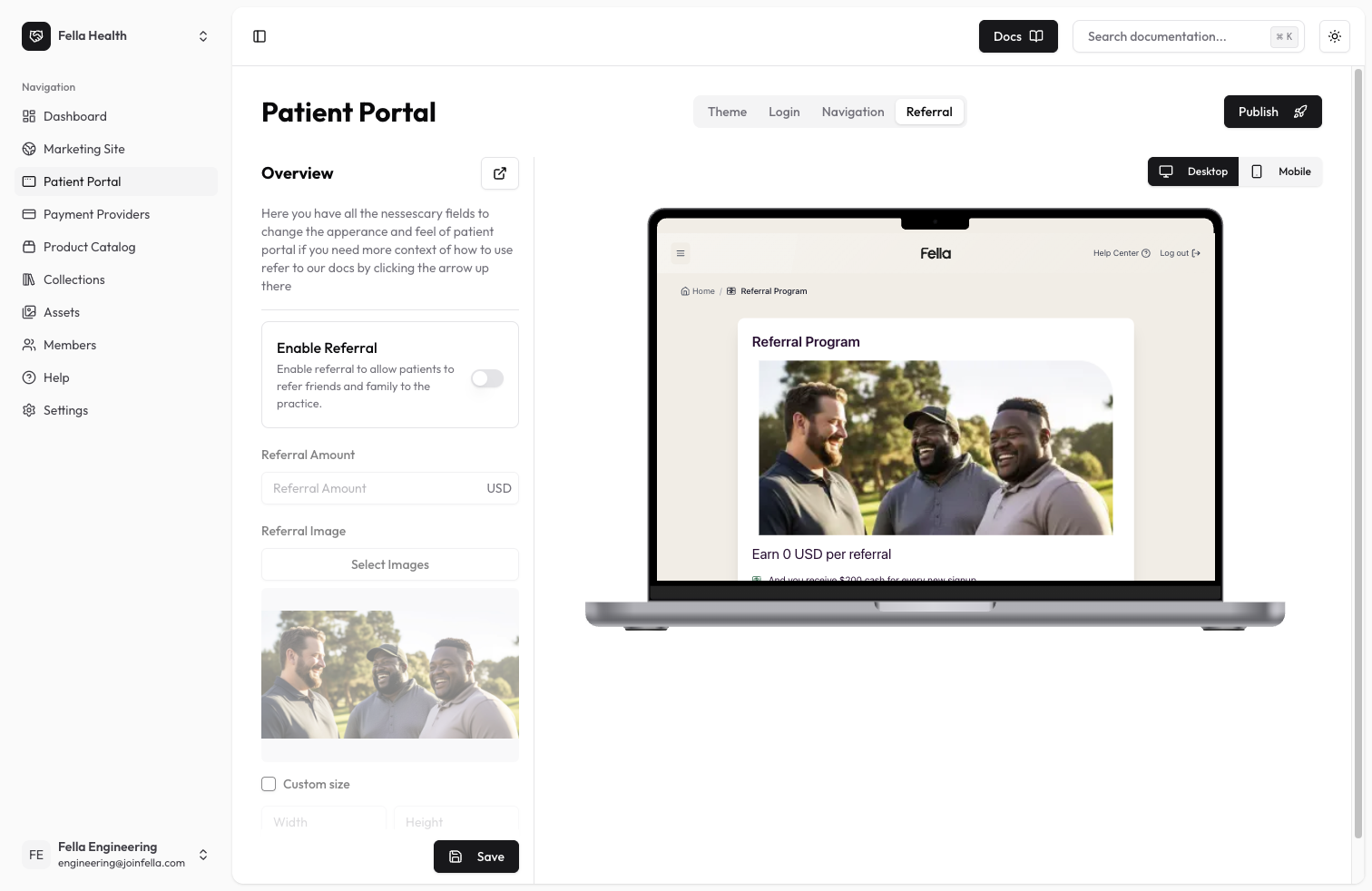
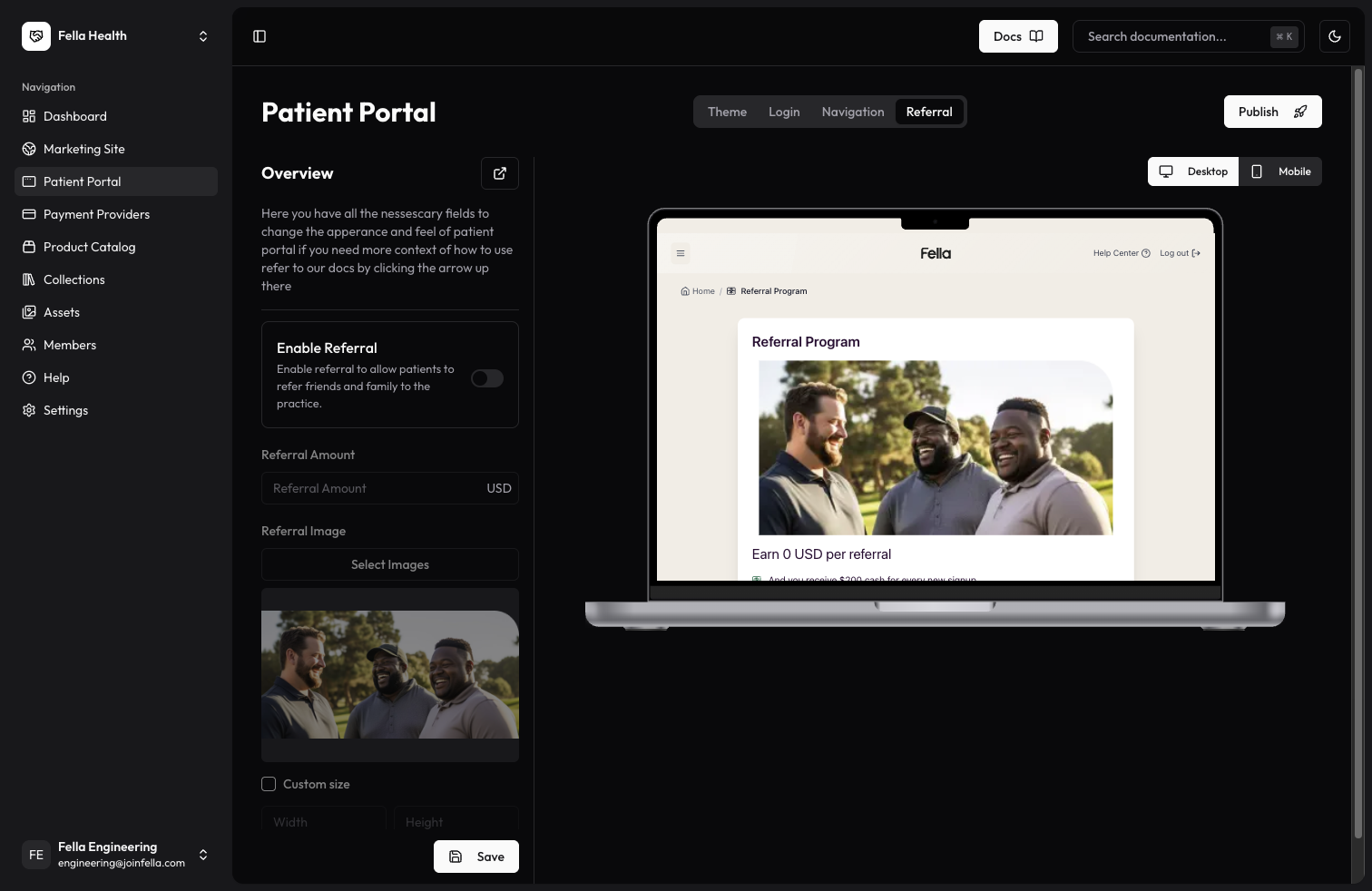
The referral settings allow you to enable or disable patient referrals and customize the referral program details. When enabled, you can configure the referral amount and customize the referral image that appears on the referral page.
## Available Settings
### Enable Referrals
* Enable Referrals: Toggle switch to enable or disable the patient referral program
### Referral Program Configuration
When referrals are enabled, you can customize:
* Referral Amount: Set the reward amount for successful referrals
* Referral Image: Upload or select an image to display on the referral page
* Width: Set the width of your referral image
* Height: Set the height of your referral image
## Best Practices
* Set an appropriate referral amount that incentivizes referrals while maintaining profitability
* Use high-quality, professional images for the referral page
* Maintain proper image aspect ratios when adjusting dimensions
* Preview how the referral page looks after making changes
* Keep referral program terms clear and transparent
Need help configuring your referral program? Contact our support team and we'll be happy to assist you.
## Referral Overview
The referral settings allow you to enable or disable patient referrals and customize the referral program details. When enabled, you can configure the referral amount and customize the referral image that appears on the referral page.
## Available Settings
### Enable Referrals
* Enable Referrals: Toggle switch to enable or disable the patient referral program
### Referral Program Configuration
When referrals are enabled, you can customize:
* Referral Amount: Set the reward amount for successful referrals
* Referral Image: Upload or select an image to display on the referral page
* Width: Set the width of your referral image
* Height: Set the height of your referral image
## Best Practices
* Set an appropriate referral amount that incentivizes referrals while maintaining profitability
* Use high-quality, professional images for the referral page
* Maintain proper image aspect ratios when adjusting dimensions
* Preview how the referral page looks after making changes
* Keep referral program terms clear and transparent
Need help configuring your referral program? Contact our support team and we'll be happy to assist you.