> ## Documentation Index
> Fetch the complete documentation index at: https://docs.aiosmedical.com/llms.txt
> Use this file to discover all available pages before exploring further.
# Communication Settings
> Configure communication channels and contact information
 ## Communication Settings Overview
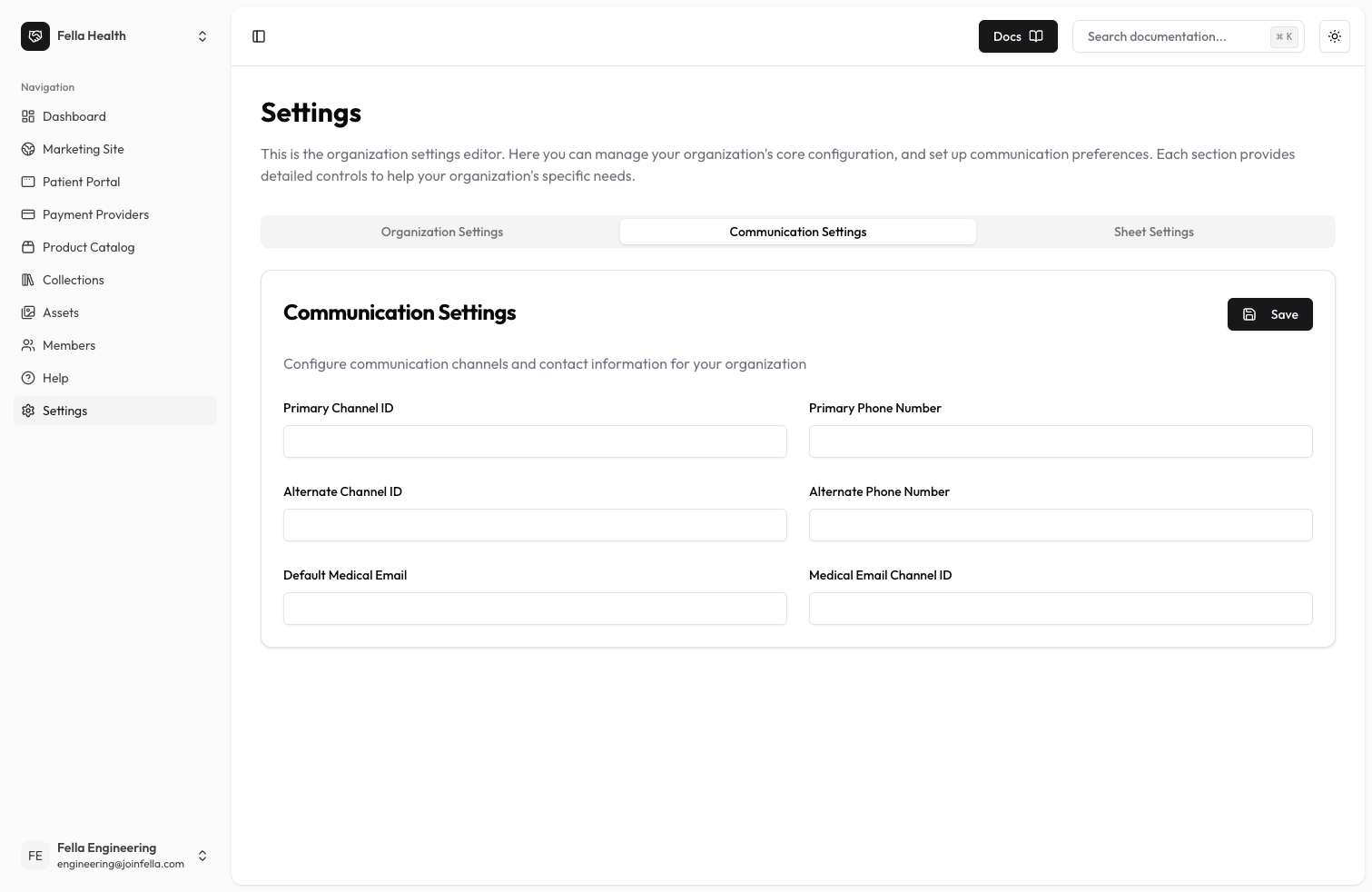
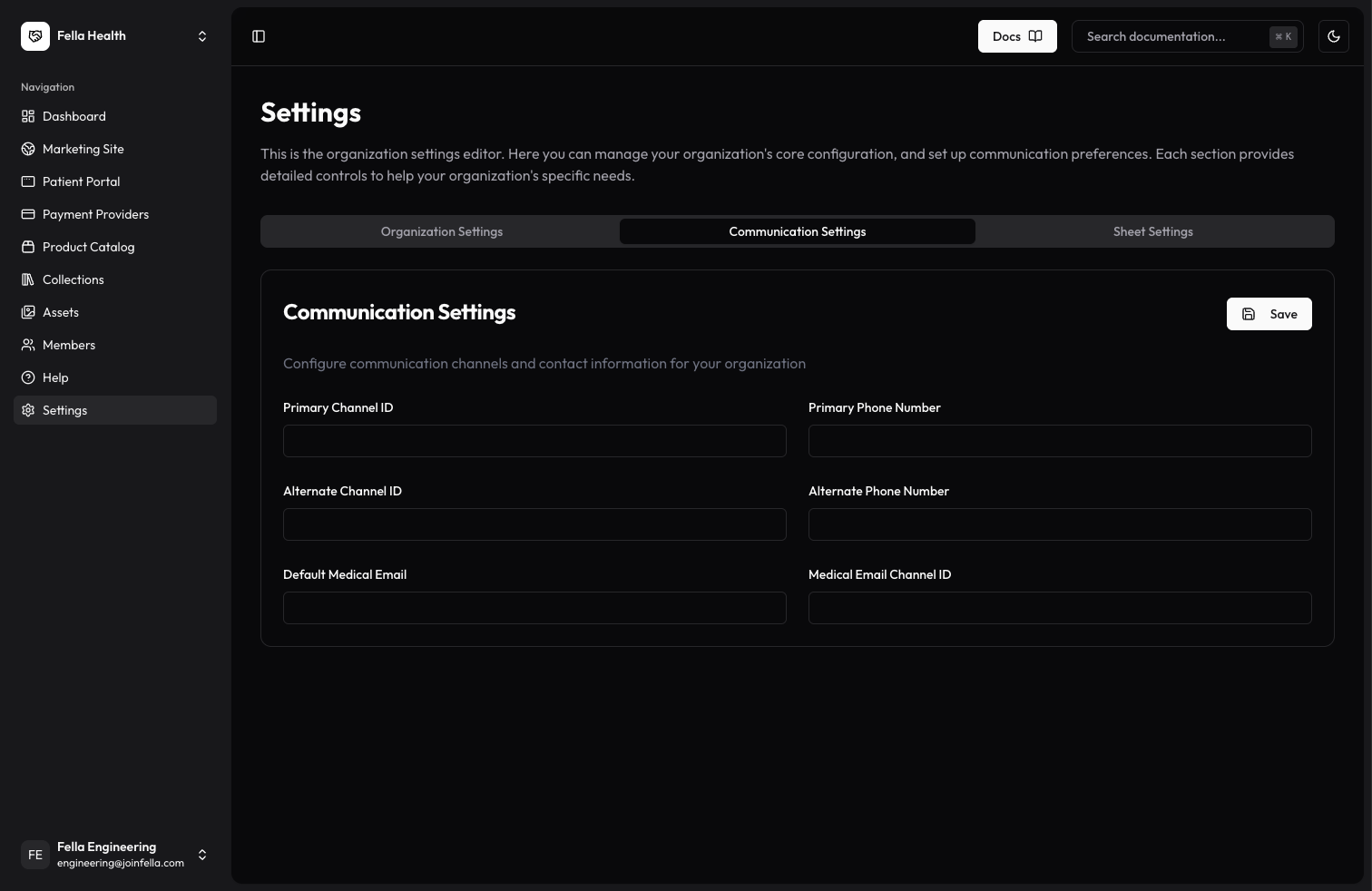
Communication settings allow you to configure how your clinic communicates with patients. These settings are simple text fields that you can update to match your clinic's communication preferences.
## Available Settings
### Primary Communication Channel
* Primary Channel: Enter the main way you want to communicate with patients
* Primary Phone Number: Enter your clinic's main contact number
### Alternate Communication Channel
* Alternate Channel: Enter a backup communication method
* Alternate Phone Number: Enter a secondary contact number for your clinic
### Medical Email Configuration
* Default Medical Email: Enter the email address you use for medical communications
* Medical Email Channel: Enter how you want to handle medical email communications
## Best Practices
* Double-check all phone numbers for accuracy
* Use valid email addresses
* Test your communication channels after setup
* Keep a record of your settings
Need help? Contact our support team and we'll be happy to assist you.
## Communication Settings Overview
Communication settings allow you to configure how your clinic communicates with patients. These settings are simple text fields that you can update to match your clinic's communication preferences.
## Available Settings
### Primary Communication Channel
* Primary Channel: Enter the main way you want to communicate with patients
* Primary Phone Number: Enter your clinic's main contact number
### Alternate Communication Channel
* Alternate Channel: Enter a backup communication method
* Alternate Phone Number: Enter a secondary contact number for your clinic
### Medical Email Configuration
* Default Medical Email: Enter the email address you use for medical communications
* Medical Email Channel: Enter how you want to handle medical email communications
## Best Practices
* Double-check all phone numbers for accuracy
* Use valid email addresses
* Test your communication channels after setup
* Keep a record of your settings
Need help? Contact our support team and we'll be happy to assist you.