> ## Documentation Index
> Fetch the complete documentation index at: https://docs.aiosmedical.com/llms.txt
> Use this file to discover all available pages before exploring further.
# Organization Settings
> Configure organization settings including domain, API keys and integration details
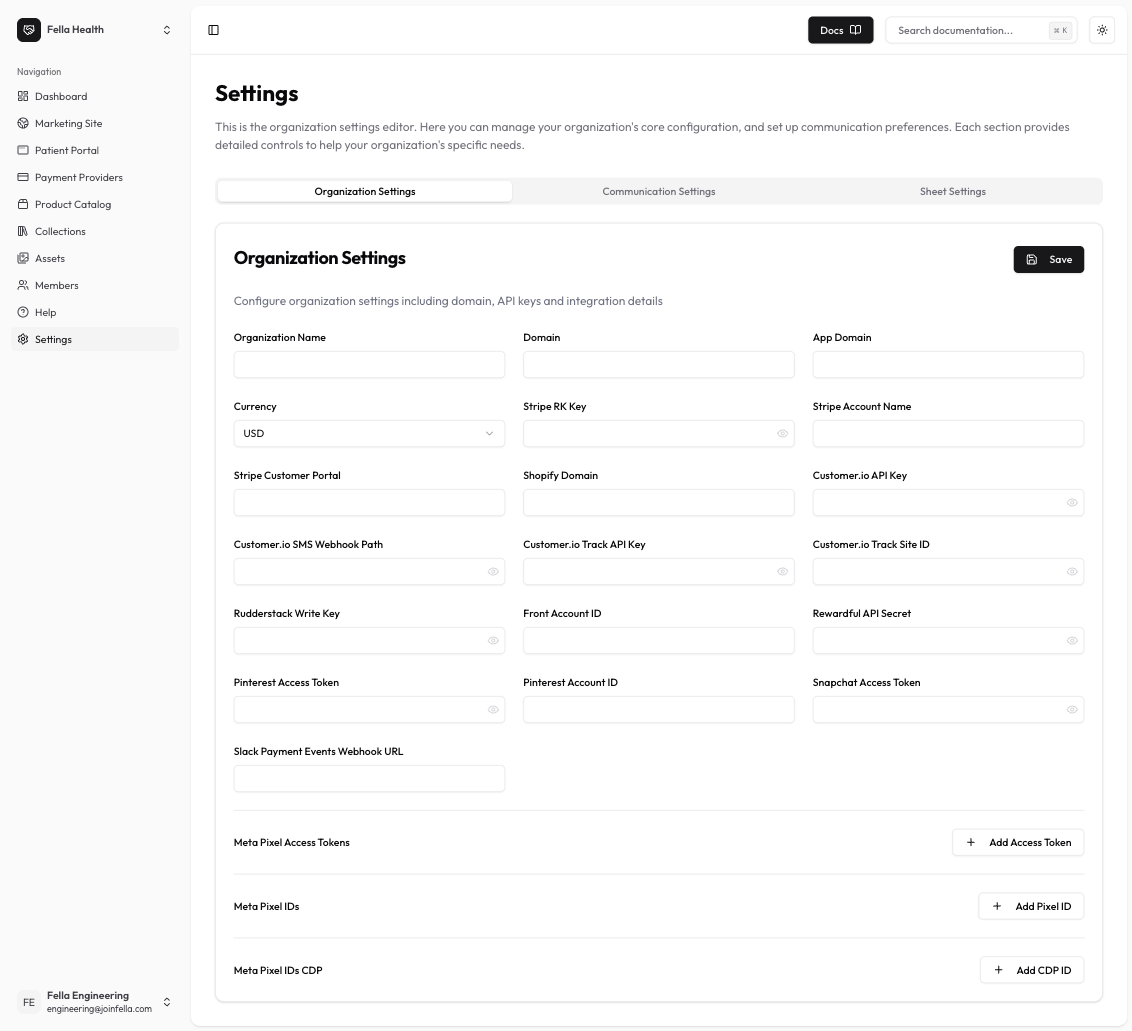
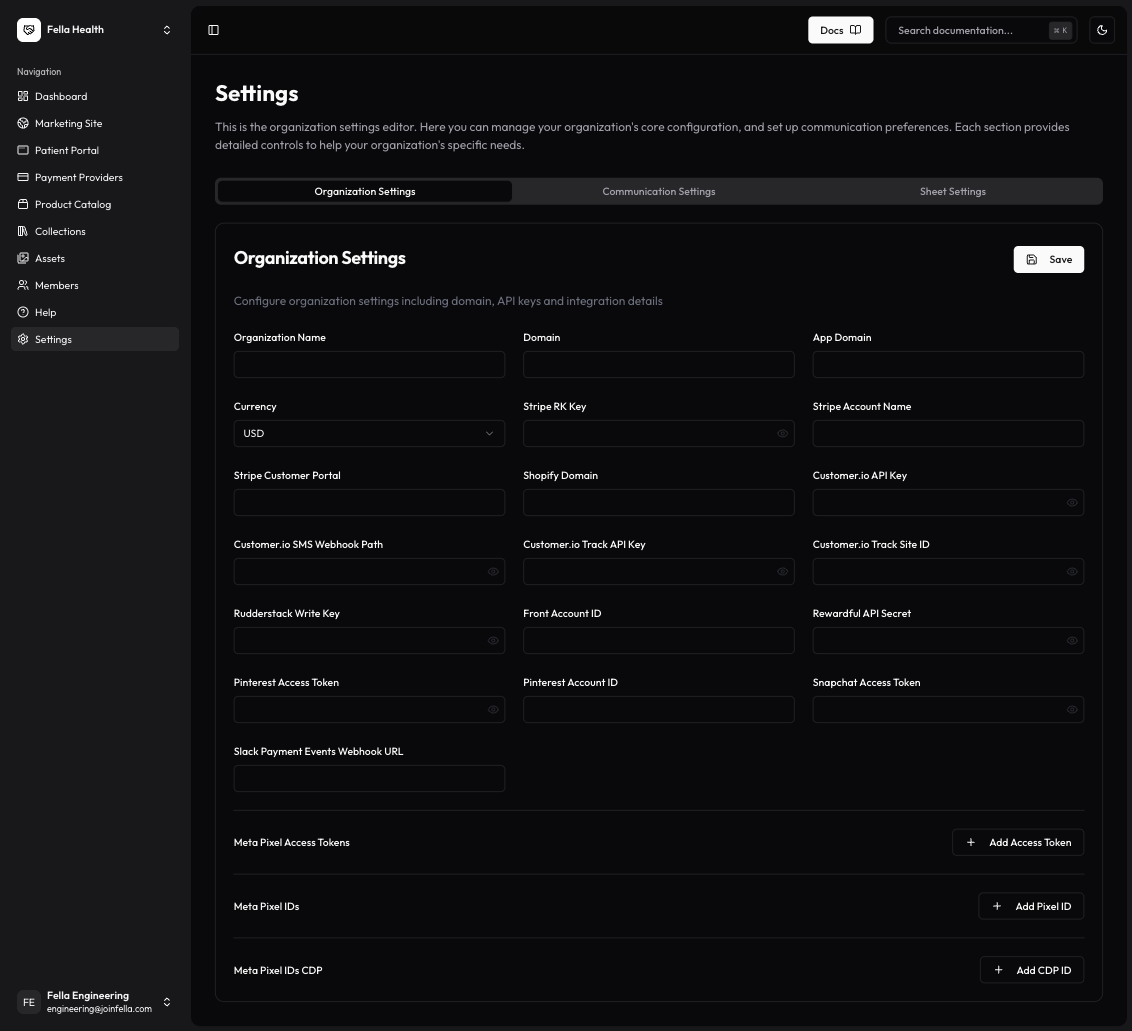
The organization settings allow you to configure various aspects of your organization, including basic details, integrations, and payment settings.
 ### Basic Settings
* **Organization Name**: Your organization's display name
* **Domain**: Primary domain for your organization
* **App Domain**: Domain used for your patient portal
* **Currency**: Default currency for transactions
### Stripe Integration
* **Account Name**: Your Stripe account name
* **Customer Portal URL**: URL for the Stripe customer portal
* **Restricted Key**: Your Stripe restricted key
* **Slack Payment Events Webhook**: Webhook URL for payment event notifications
### Meta (Facebook) Pixel
* **Access Token**: Meta Pixel access token
* **Pixel IDs**: List of Meta Pixel IDs to track
* **CDP Access Token**: Customer Data Platform access token
### Customer.io Integration
* **API Key**: Customer.io API key
* **SMS Webhook Path**: Webhook path for SMS notifications
* **Track API Key**: API key for tracking events
* **Track Site ID**: Site ID for tracking
### Additional Integrations
* **Front Account ID**: Your Front customer service platform ID
* **Pinterest Settings**:
* Access Token
* Add Account ID
* **Rewardful API Secret**: Secret key for referral tracking
* **Rudderstack Write Key**: Key for analytics integration
* **Snapchat Access Token**: Token for Snapchat advertising
## Next Steps
After configuring your organization settings:
* Test your integrations
* Set up tracking and analytics
* Configure your payment processing
* Customize your customer communications
For additional support, please contact our support team.
### Basic Settings
* **Organization Name**: Your organization's display name
* **Domain**: Primary domain for your organization
* **App Domain**: Domain used for your patient portal
* **Currency**: Default currency for transactions
### Stripe Integration
* **Account Name**: Your Stripe account name
* **Customer Portal URL**: URL for the Stripe customer portal
* **Restricted Key**: Your Stripe restricted key
* **Slack Payment Events Webhook**: Webhook URL for payment event notifications
### Meta (Facebook) Pixel
* **Access Token**: Meta Pixel access token
* **Pixel IDs**: List of Meta Pixel IDs to track
* **CDP Access Token**: Customer Data Platform access token
### Customer.io Integration
* **API Key**: Customer.io API key
* **SMS Webhook Path**: Webhook path for SMS notifications
* **Track API Key**: API key for tracking events
* **Track Site ID**: Site ID for tracking
### Additional Integrations
* **Front Account ID**: Your Front customer service platform ID
* **Pinterest Settings**:
* Access Token
* Add Account ID
* **Rewardful API Secret**: Secret key for referral tracking
* **Rudderstack Write Key**: Key for analytics integration
* **Snapchat Access Token**: Token for Snapchat advertising
## Next Steps
After configuring your organization settings:
* Test your integrations
* Set up tracking and analytics
* Configure your payment processing
* Customize your customer communications
For additional support, please contact our support team.