

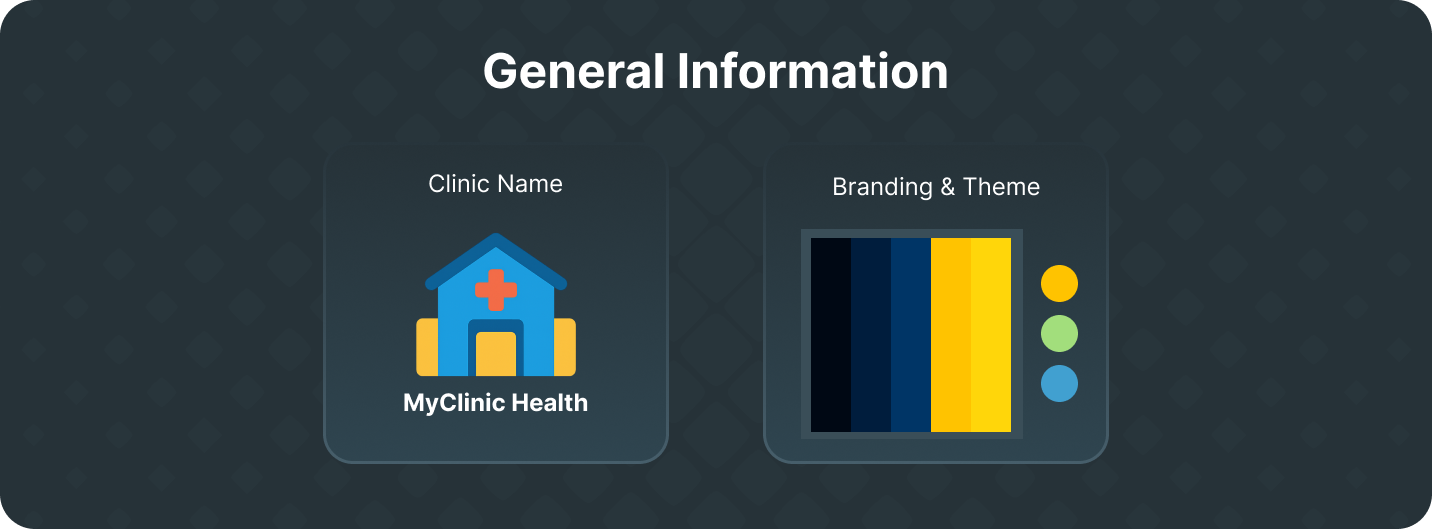
 In this section, you’ll provide basic details about your clinic to personalize your account and digital presence.
Clinic Details
Set up the foundational information for your clinic, including:- Clinic Name
- Clinic Description
- Clinic Logo
Branding & Theme
Customize how your clinic looks and feels with our theming options. This section allows you to align the platform’s appearance with your clinic’s identity. We currently support the following theme configuration options: Color Tokens:PrimarySecondaryAccentNeutralBase
Primary ContentSecondary ContentAccent ContentNeutral ContentBase Content
Base 200Base 300