

Navigation Overview
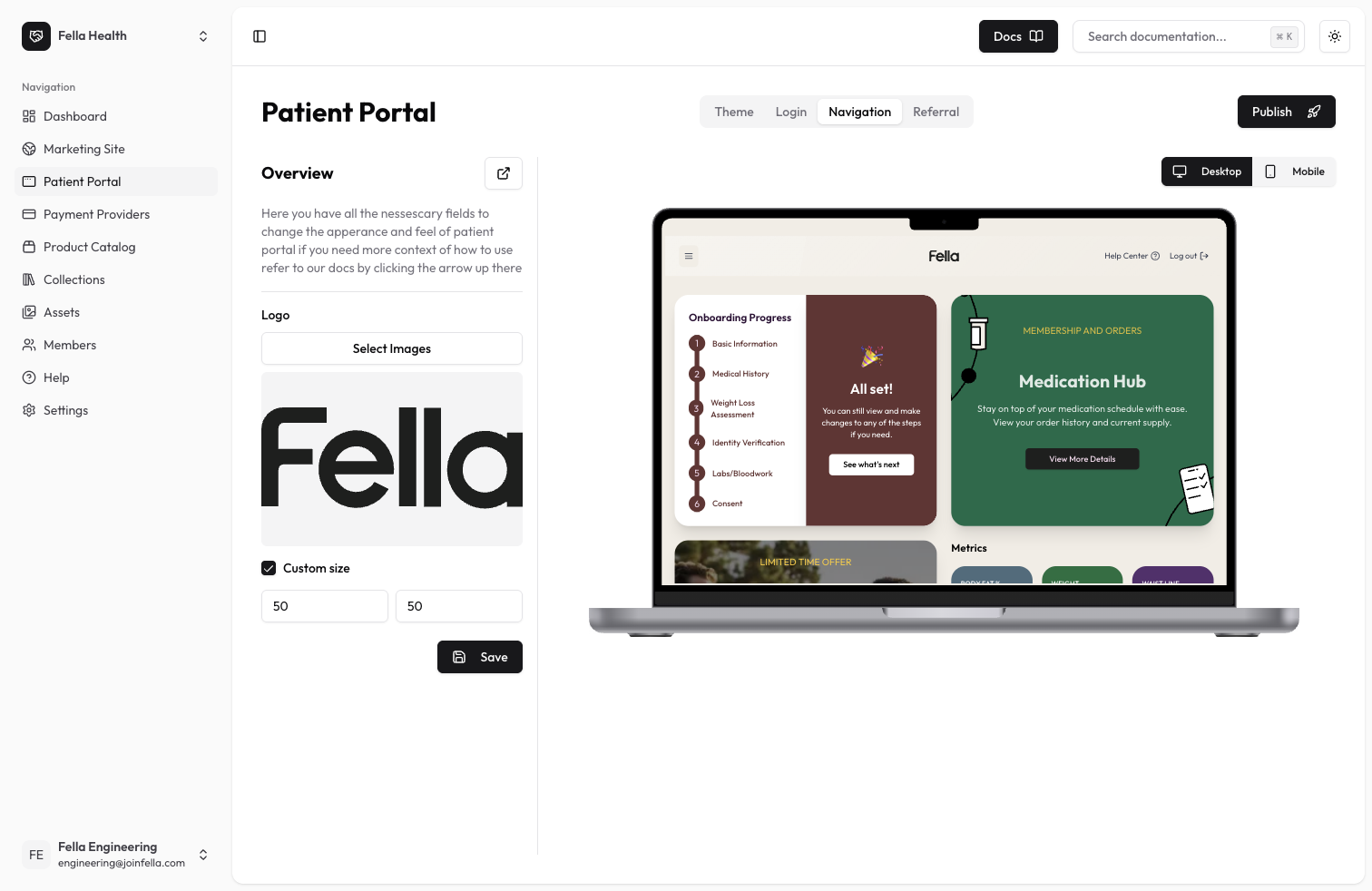
The navigation bar is where your clinic’s branding comes to life. This section allows you to preview how your theme customizations appear in the navigation bar and lets you customize the logo that appears in it.Available Settings
Logo Configuration
- Logo: Upload or select a logo from your assets to display in the navigation bar
- Logo Size: Adjust the size of your logo to fit perfectly in the navigation
Theme Preview
The navigation bar automatically inherits and displays:- Your primary brand colors
- Font styles
- Border radiuses
- Other visual elements configured in the Theme section
Best Practices
- Use a logo with transparent background
- Ensure your logo is clearly visible against your chosen theme colors
- Test your logo at different screen sizes
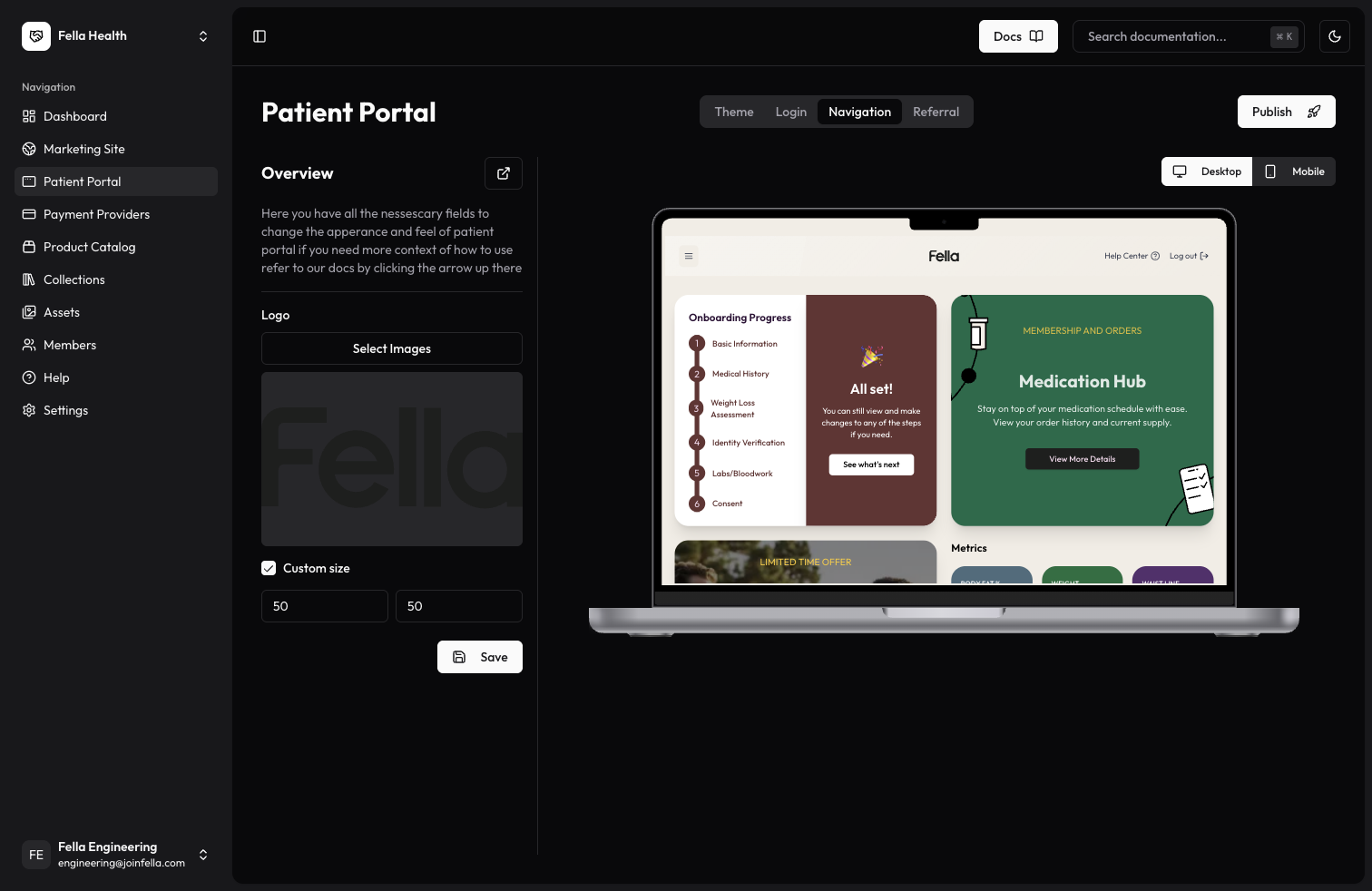
- Preview both light and dark modes to ensure visibility