

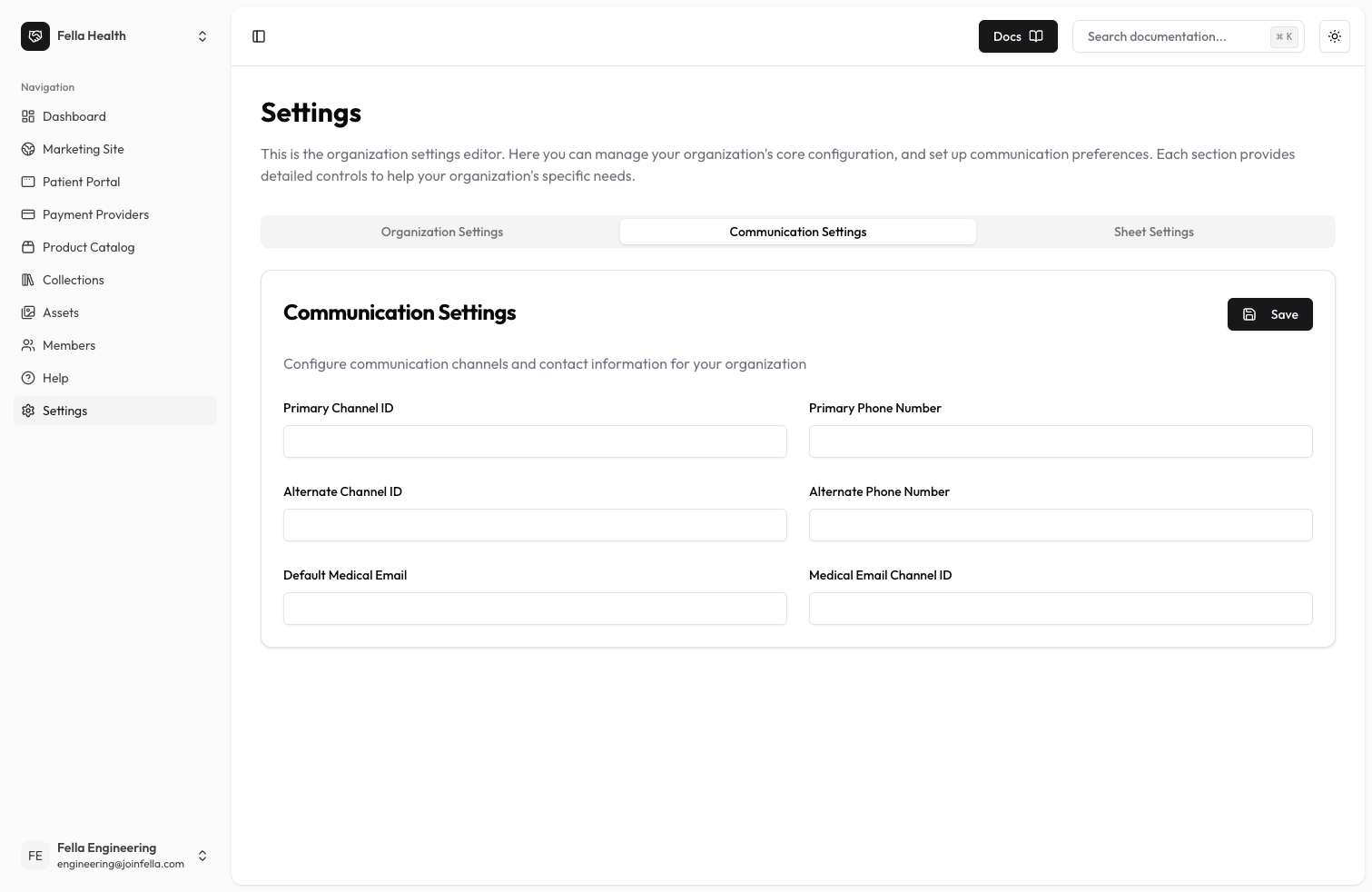
Communication Settings Overview
Communication settings allow you to configure how your clinic communicates with patients. These settings are simple text fields that you can update to match your clinic’s communication preferences.Available Settings
Primary Communication Channel
- Primary Channel: Enter the main way you want to communicate with patients
- Primary Phone Number: Enter your clinic’s main contact number
Alternate Communication Channel
- Alternate Channel: Enter a backup communication method
- Alternate Phone Number: Enter a secondary contact number for your clinic
Medical Email Configuration
- Default Medical Email: Enter the email address you use for medical communications
- Medical Email Channel: Enter how you want to handle medical email communications
Best Practices
- Double-check all phone numbers for accuracy
- Use valid email addresses
- Test your communication channels after setup
- Keep a record of your settings