

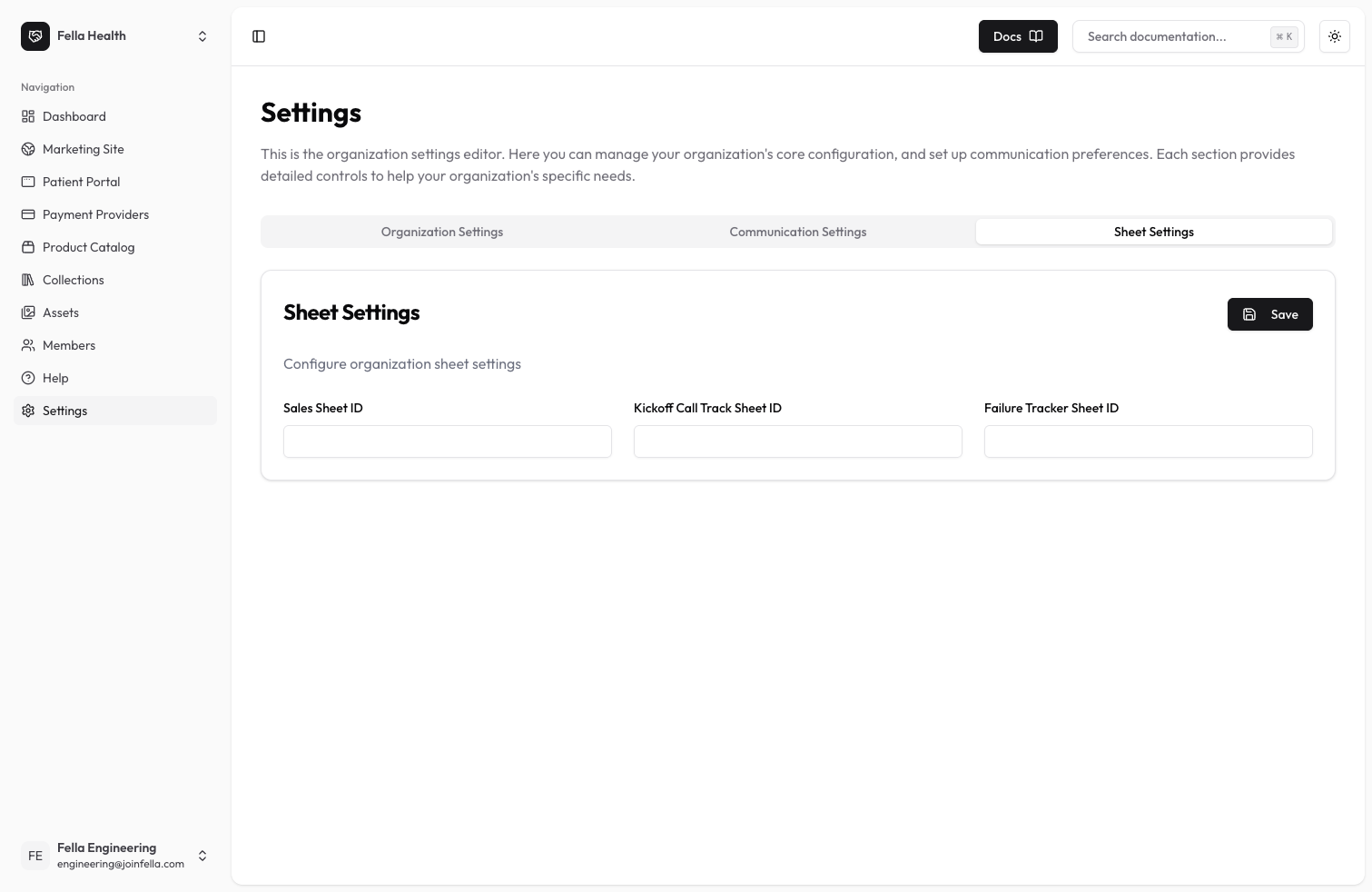
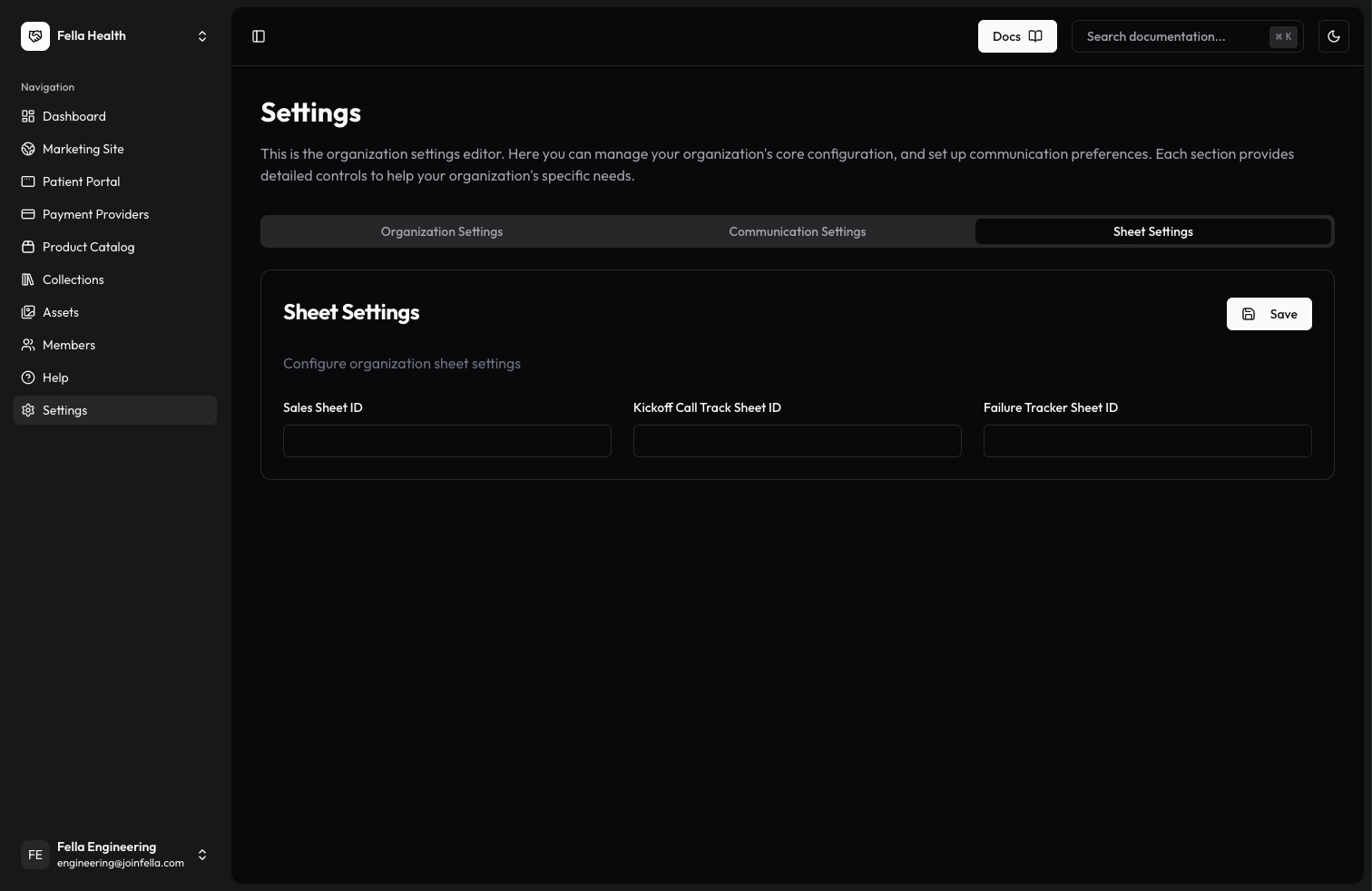
Sheet Settings Overview
Sheet settings allow you to configure the Google Sheet IDs used for tracking different aspects of your business operations.Available Settings
Sales Sheet ID
Enter the Google Sheet ID used for tracking sales data and customer information. This sheet helps monitor your sales pipeline and customer acquisition.Failure Tracker Sheet ID
Enter the Google Sheet ID for tracking system failures and errors. This sheet helps identify and resolve technical issues quickly.Kickoff Call Track Sheet ID
Enter the Google Sheet ID for monitoring kickoff calls with new customers. This sheet helps track onboarding progress and initial customer engagement.Setup Instructions
- Create your Google Sheets for each tracking purpose
- Copy the Sheet ID from each Google Sheet’s URL
- Navigate to Sheet Settings in ClinicOS
- Enter the corresponding Sheet IDs in each field
- Click Save to update your settings
Best Practices
- Keep your sheets organized and regularly maintained
- Use consistent formatting across all sheets
- Regularly backup your sheet data
- Grant appropriate access permissions to team members